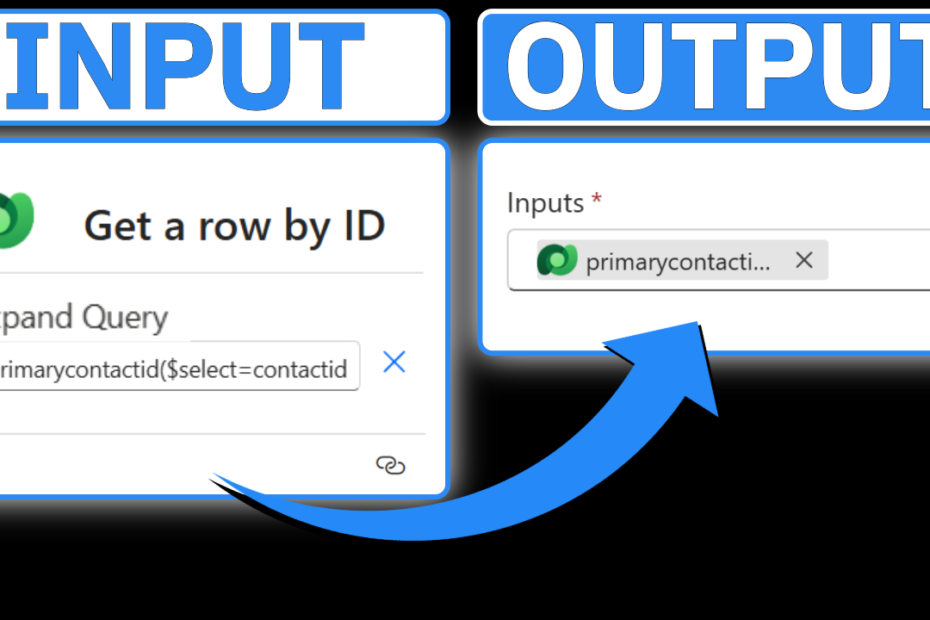
Updated: How to Use Expand Query in Power Automate
Using the Expand Query input on the Get a Row by ID action in Power Automate allows you to efficiently retrieve and utilize data in… Read More »Updated: How to Use Expand Query in Power Automate
Using the Expand Query input on the Get a Row by ID action in Power Automate allows you to efficiently retrieve and utilize data in… Read More »Updated: How to Use Expand Query in Power Automate

In this tutorial, we’re going to delve into a practical implementation of opening a Quick Create form using a ribbon button in Microsoft Dynamics or… Read More »Solved: Open a Quick Create Form with a Ribbon Button in Model-Driven Apps

In this tutorial, we’ll explore how to use JavaScript to disable a form based on specific conditions. This technique is incredibly useful for Power Platform… Read More »Solved: How to Disable a Form in Model-Driven Apps with Conditional Logic

In this tutorial, we will guide you through the process of filtering option sets on a form in Model-Driven Apps using JavaScript. For low-code developers,… Read More »Solved: How to Filter Option Sets on a Form in Model-Driven Apps

If you’re looking to dynamically set a Power FX column based on an Option Set field in Dataverse, the Switch function is one of the… Read More »How to Set a Power FX Column Based on an Option Set in Power Apps

If you’re struggling with unnecessary Apply to Each loops in Power Automate, you’re not alone. Many users encounter this issue when automating workflows that involve… Read More »Solved: How to Get Rid of Apply to Each Loops in Power Automate

Learn how to enhance the visual appeal of your Dynamics 365 forms by adding custom buttons with the Number Input Control in Power Apps! This… Read More »Solved: Configure the Number Input Control in Power Apps | Microsoft Dynamics 365

Unlocking the potential for personalized branding and enhanced visual appeal in Microsoft Dynamics is easier than you might think. By incorporating the Image Web Resource… Read More »Solved: Configure the Image Web Resource Control in Power Apps | Microsoft Dynamics 365

Did you know that capturing signatures directly within Dynamics forms is possible? This feature holds tremendous potential, whether it’s for obtaining work order sign-offs in… Read More »Solved: Configure the Pen Input Control in Power Apps | Microsoft Dynamics 365

Quick views offer a convenient way to access information from related records within Microsoft Dynamics, facilitating a more comprehensive view of data. For instance, you… Read More »Solved: Configure the Quick View Control in Power Apps | Microsoft Dynamics 365