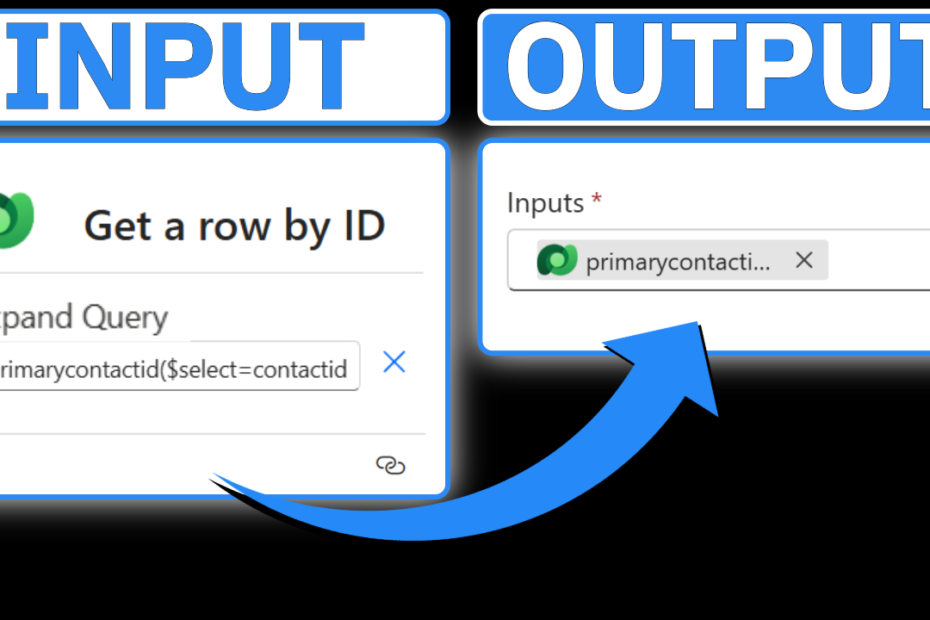
Updated: How to Use Expand Query in Power Automate
Using the Expand Query input on the Get a Row by ID action in Power Automate allows you to efficiently retrieve and utilize data in… Read More »Updated: How to Use Expand Query in Power Automate
Using the Expand Query input on the Get a Row by ID action in Power Automate allows you to efficiently retrieve and utilize data in… Read More »Updated: How to Use Expand Query in Power Automate
Unlock the full potential of Microsoft Copilot Studio with our step-by-step guide on setting up the Copilot Studio Kit. A critical tool for enhancing governance… Read More »How To Setup the Copilot Studio Kit in Microsoft Copilot Studio

Learn how to enhance the visual appeal of your Dynamics 365 forms by adding custom buttons with the Number Input Control in Power Apps! This… Read More »Solved: Configure the Number Input Control in Power Apps | Microsoft Dynamics 365

Unlocking the potential for personalized branding and enhanced visual appeal in Microsoft Dynamics is easier than you might think. By incorporating the Image Web Resource… Read More »Solved: Configure the Image Web Resource Control in Power Apps | Microsoft Dynamics 365

Did you know that capturing signatures directly within Dynamics forms is possible? This feature holds tremendous potential, whether it’s for obtaining work order sign-offs in… Read More »Solved: Configure the Pen Input Control in Power Apps | Microsoft Dynamics 365

Quick views offer a convenient way to access information from related records within Microsoft Dynamics, facilitating a more comprehensive view of data. For instance, you… Read More »Solved: Configure the Quick View Control in Power Apps | Microsoft Dynamics 365

Integrating a calendar control into Microsoft Dynamics can significantly enhance user experience by displaying a record’s related activities directly on the summary tab. Unlike the… Read More »Solved: Configure the Calendar Control in Power Apps | Microsoft Dynamics 365

Regular multiline text fields can sometimes feel limiting in Dynamics 365. But fear not, you can elevate these fields by turning them into spaces where… Read More »Solved: Configure the Rich Text Editor Control in Power Apps | Microsoft Dynamics 365

In your CRM system, rating records play a crucial role in various aspects of business operations. Whether it’s gauging the likelihood of a lead converting… Read More »Solved: Configure the Star Rating Control in Power Apps | Microsoft Dynamics 365

Quick views in Dynamics are undoubtedly helpful, allowing users to view information on related records. However, what if you could take it a step further… Read More »Solved: Configure the Form Control in Power Apps | Microsoft Dynamics 365